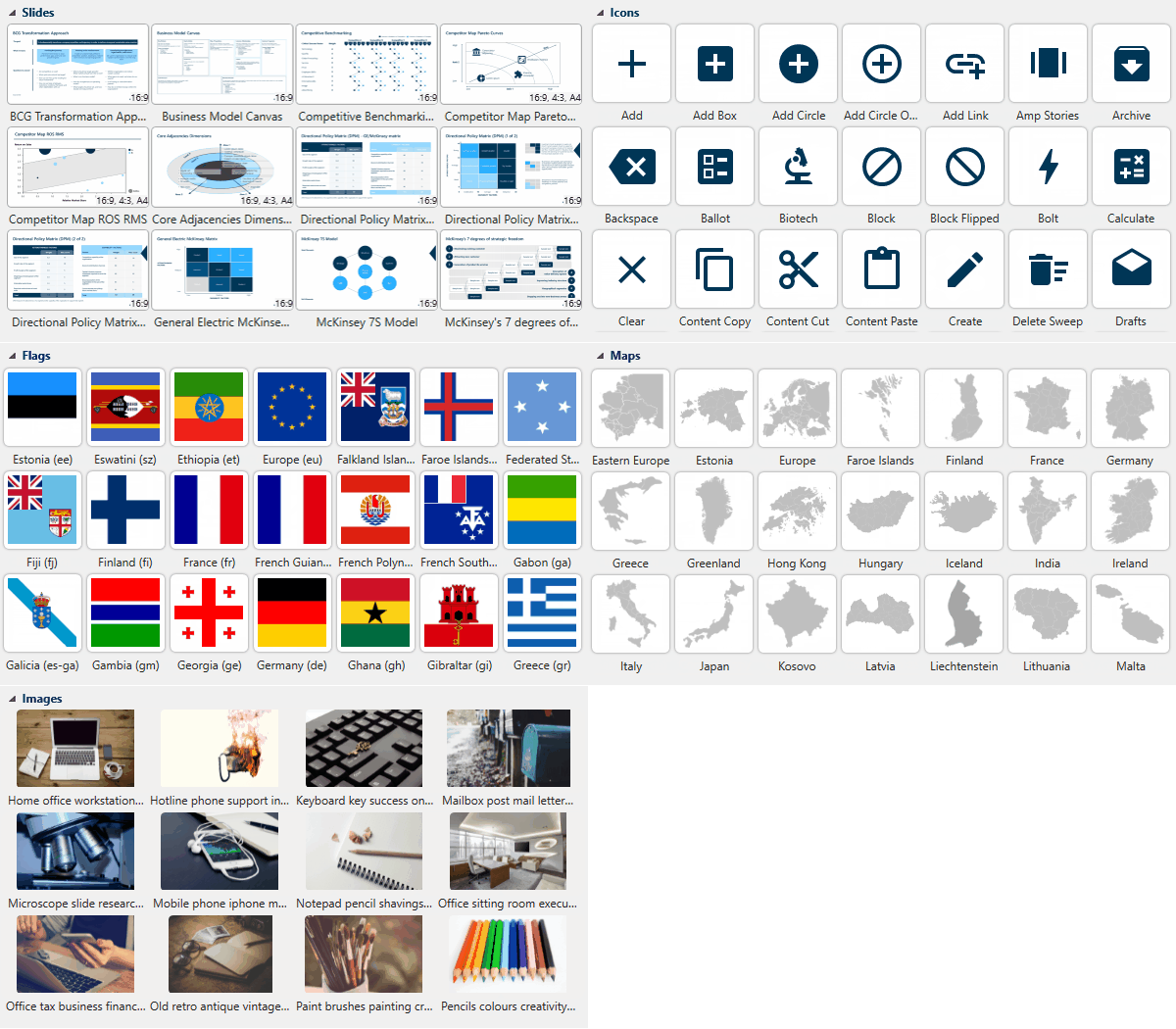
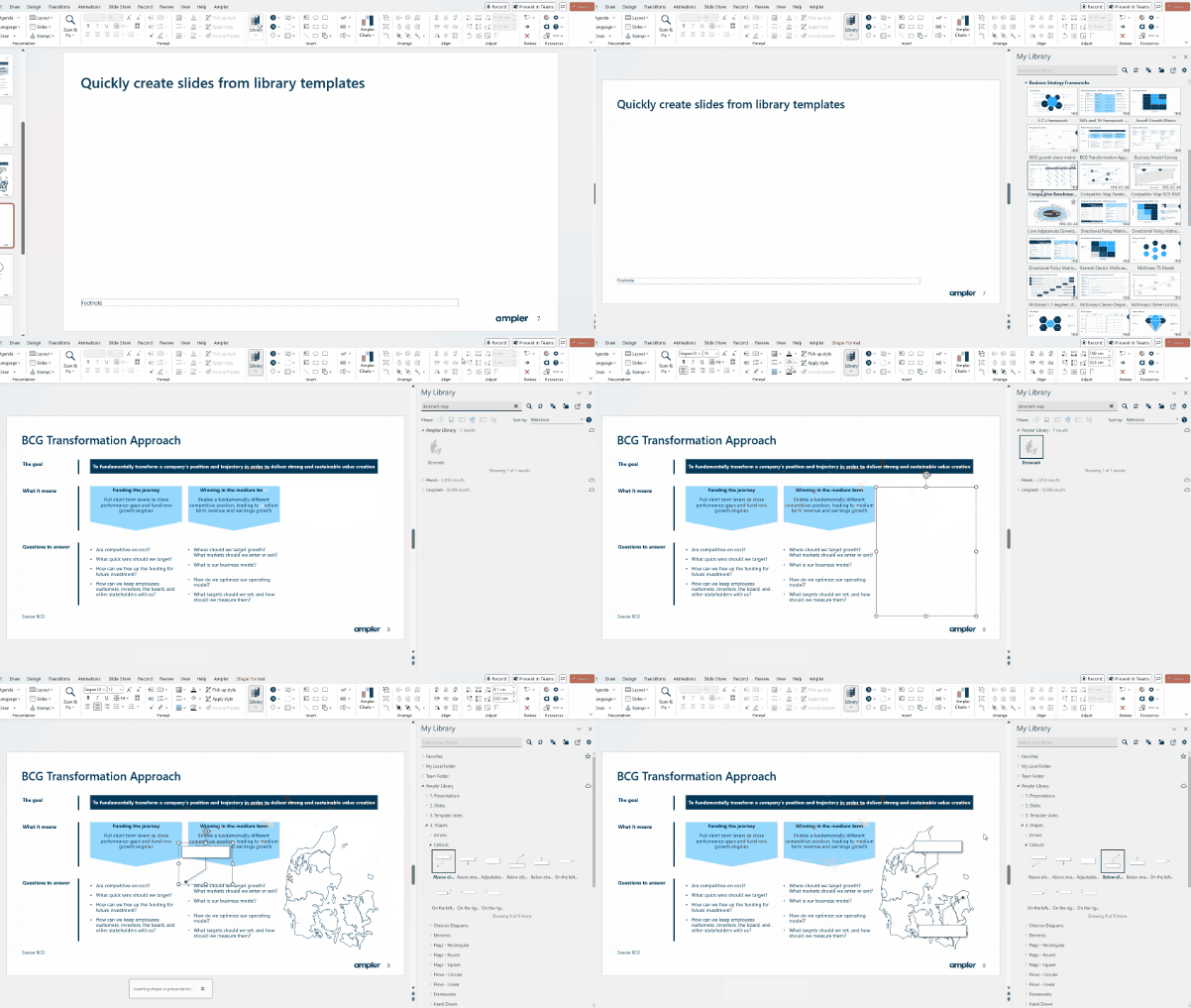
Whether communicating, analysing, or creating in Office, having access to all content types directly in the program benefits your work significantly. Enjoy direct access to templates, presentations, slides, workbooks, documents, maps, icons, and more. Save and access table and graph layouts, leverage dynamic slides for added ease and flexibility, and improve your communication with infographics.

Digging through folders or old presentations to find that exact piece of content you need can be slow-going and exasperating. Ampler Library is embedded directly in Office, giving you direct access to all your personal, team, and company content. Set up buttons pointing directly at your most used content, use ‘Boards’ to filter your content and setup shortcuts, add metadata and leverage Ampler’s advanced and powerful search algorithm to rapidly retrieve the content you need.

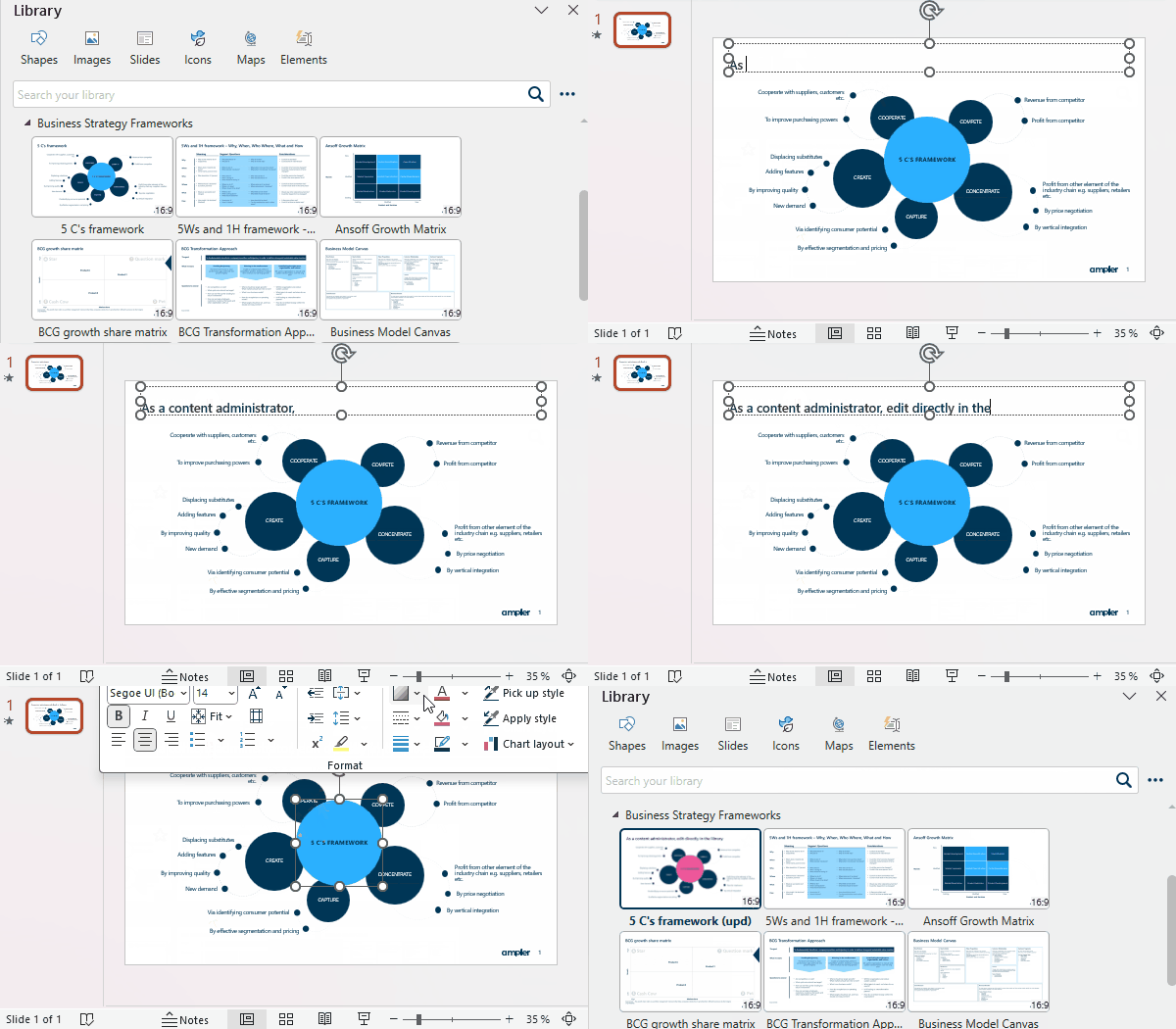
Keeping content updated and on-brand is not an easy task. Ampler Library removes the tediousness and allows editing, updating, and sorting of content directly in PowerPoint, Outlook, Word, and Excel. Any changed content is accessible instantly, and linking enables administrators to update content for the entire team or company with a few clicks.

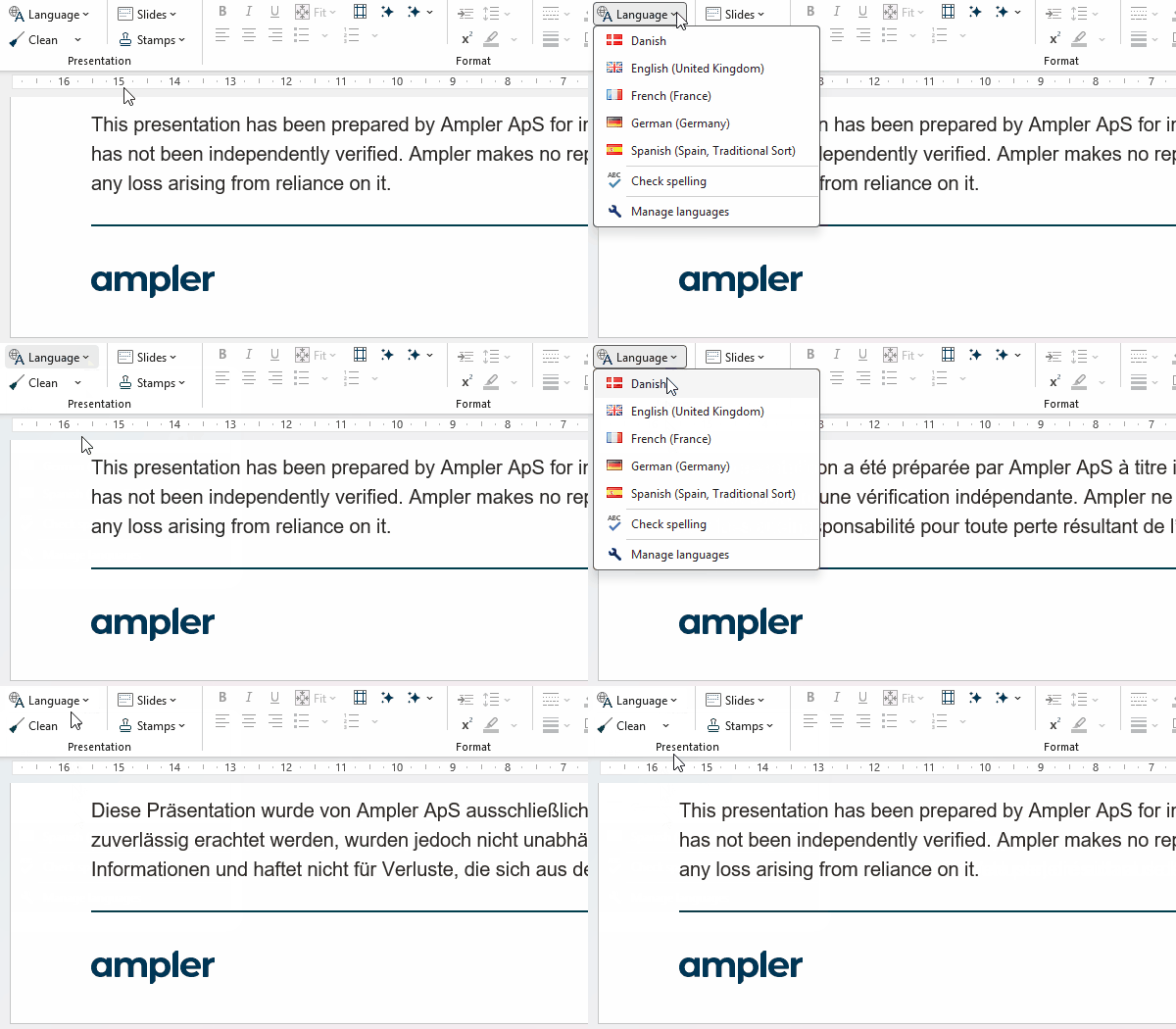
Staying consistent when creating documents and presentations requires diligence. Facilitate adherence to brand and simple workflows by setting up dynamic templates and fields, prompting the user to make decisions or fill in based on data from, e.g., Active Directory. Experience dynamic templates that adapt to different languages and aspect ratios with just a click.

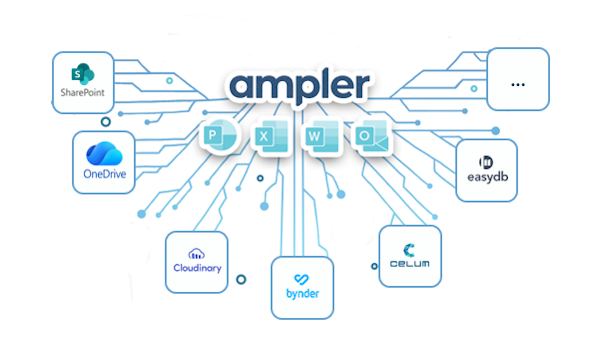
Leveraging your existing IT infrastructure is crucial when adopting new software. Ampler Library connects effortlessly with SharePoint and retains access rights, enabling access to SharePoint content directly in Office. Integrate with Digital Asset Management systems and enjoy easy access to all your company’s assets.