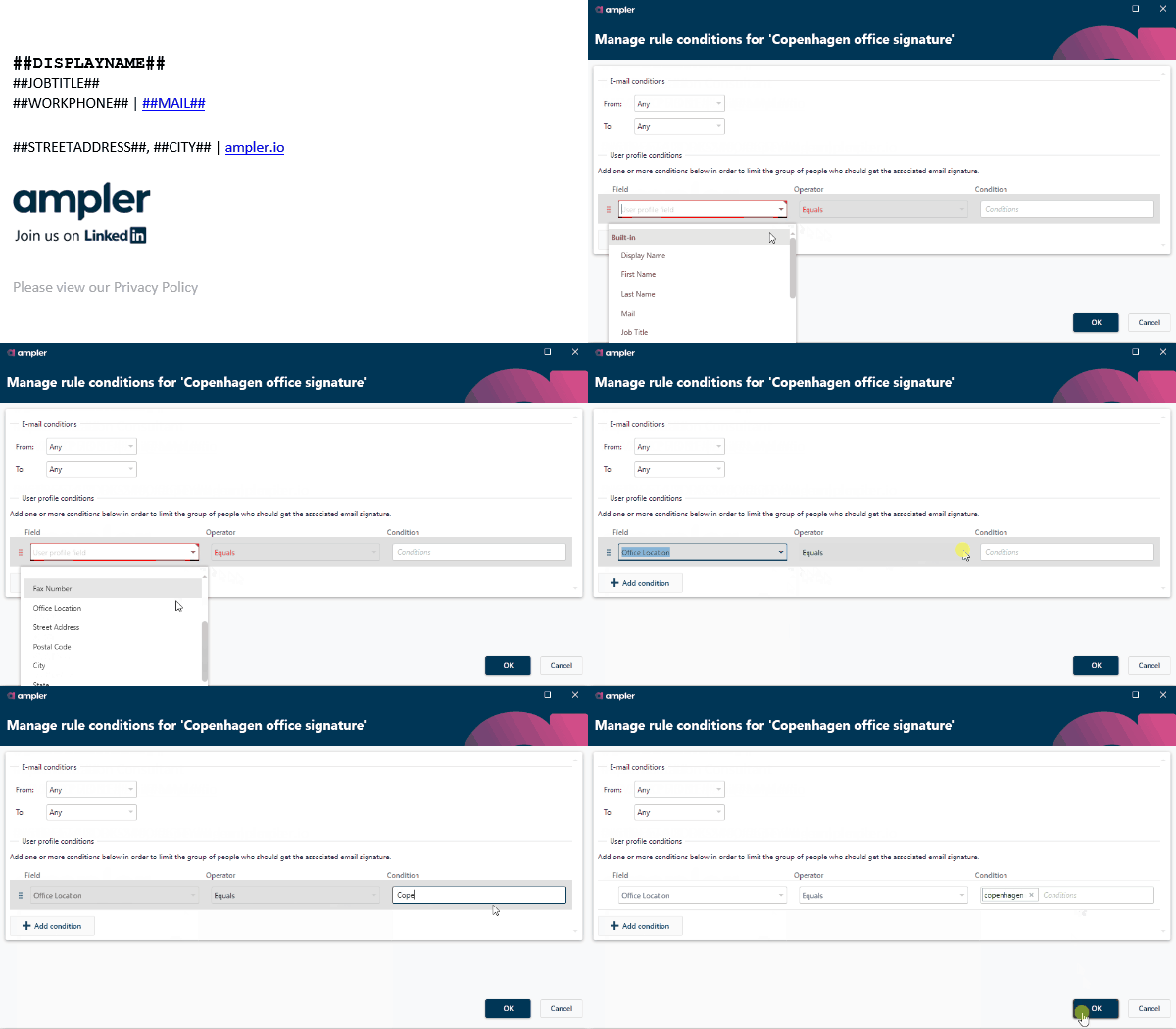
Consistent and correct signatures that adhere to company standards are essential for professionalism in mail communication. Enjoy easy sharing of perfectly formatted signatures across your organisation, and setup your signatures to change according to time, geography, season, Active Directory fields etc. Compatible with all versions of Outlook, including the new Outlook, Outlook online, and mobile.

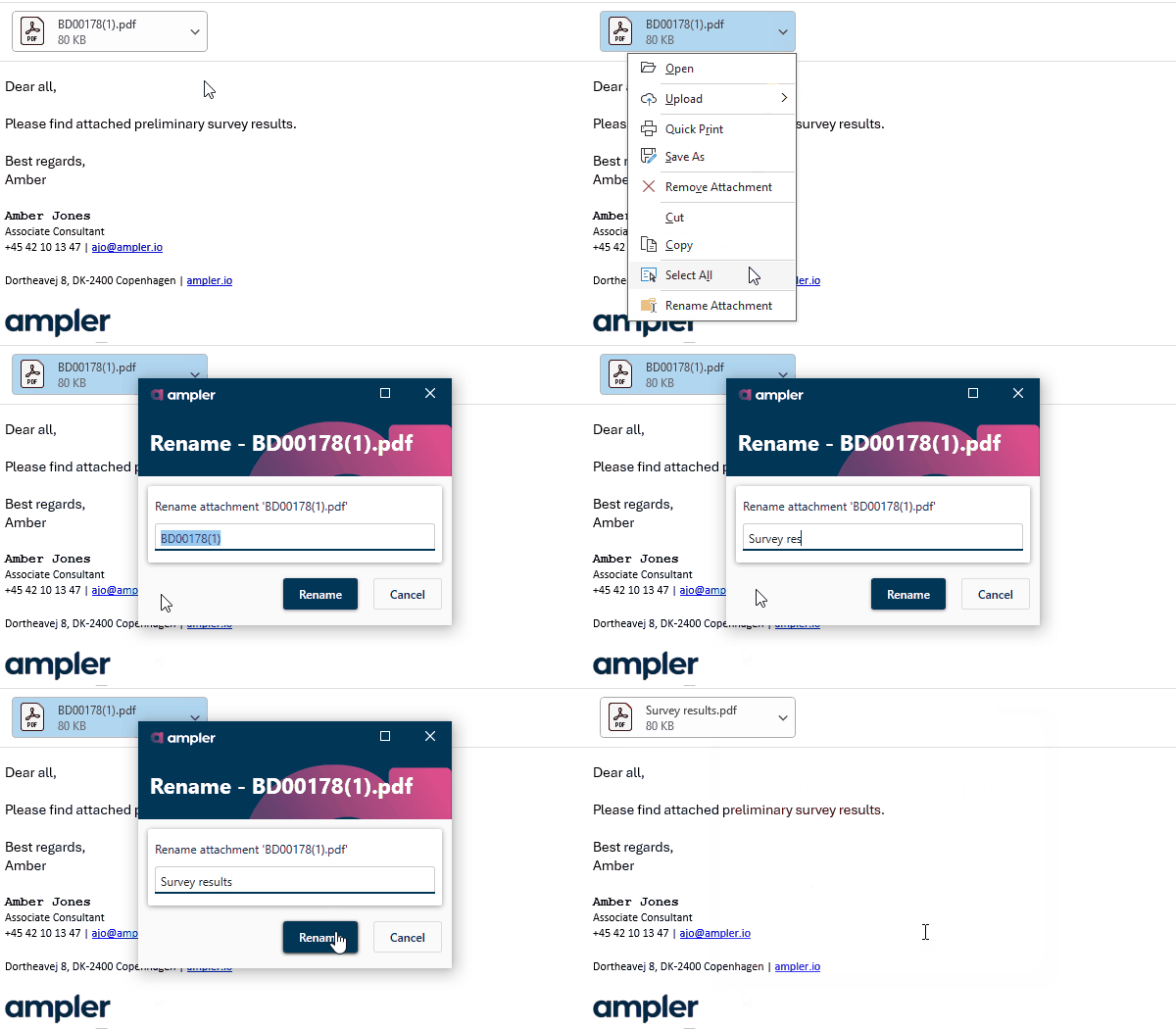
Repeatedly going through simple workflows in Outlook can be time-consuming and frustrating. Reduce your number of clicks and benefit from a plethora of time saving functions such as dynamic calendar views including current four weeks and multiple time zones, option to rename attachments, scheduled mail sending, pre-defined subject prefixes, and lots of formatting tools.

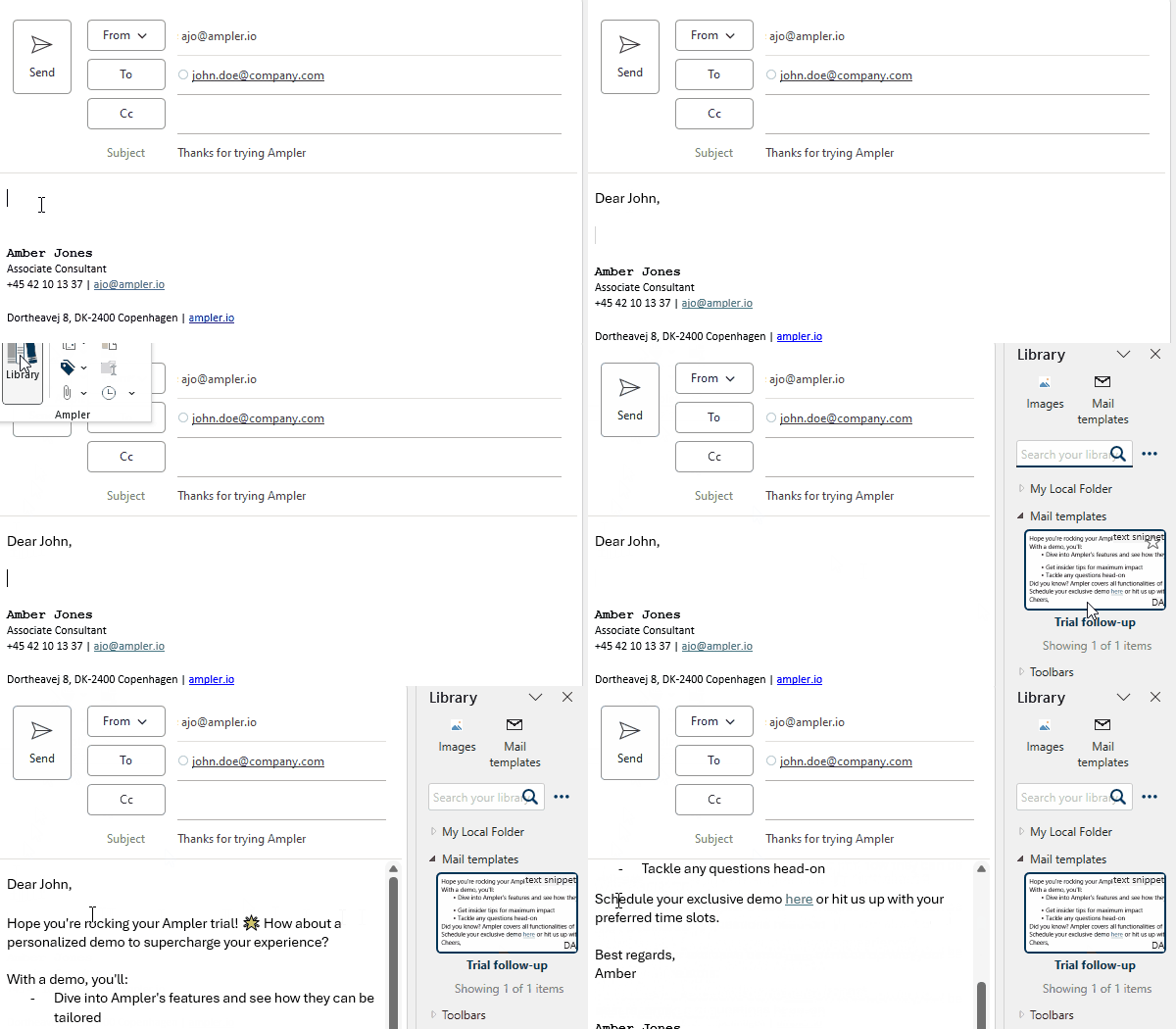
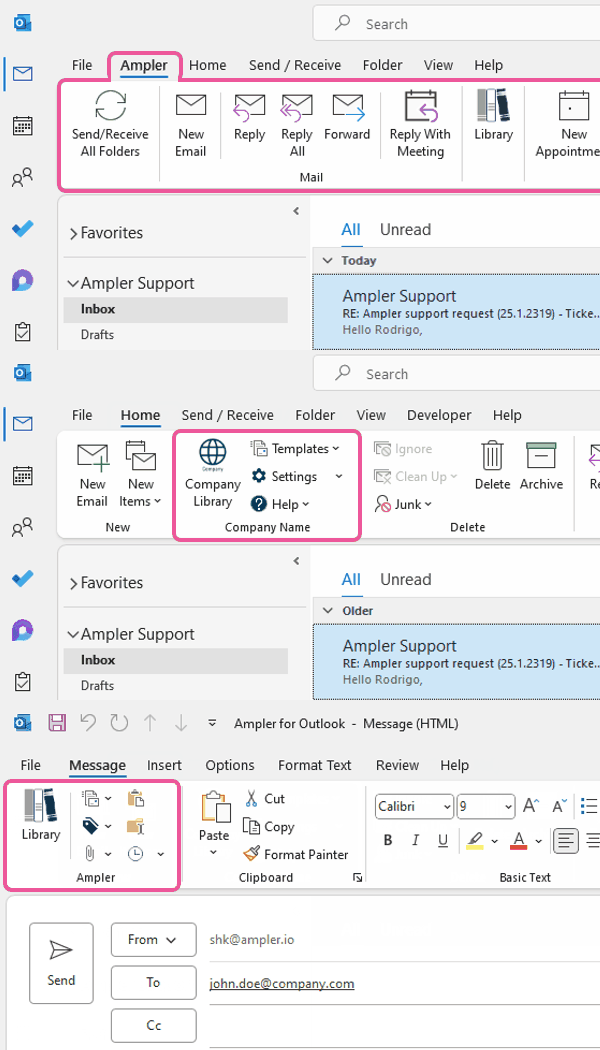
Writing almost identical mails repeatedly is frustrating and uses up precious time. Access ‘Library’ directly in Outlook and utilise company or own mail templates, text building blocks, icons, images, maps, and more. Access content from your external platforms, e.g., SharePoint, OneDrive, and Google Drive, and save materials to make them immediately available to your teammates or colleagues.

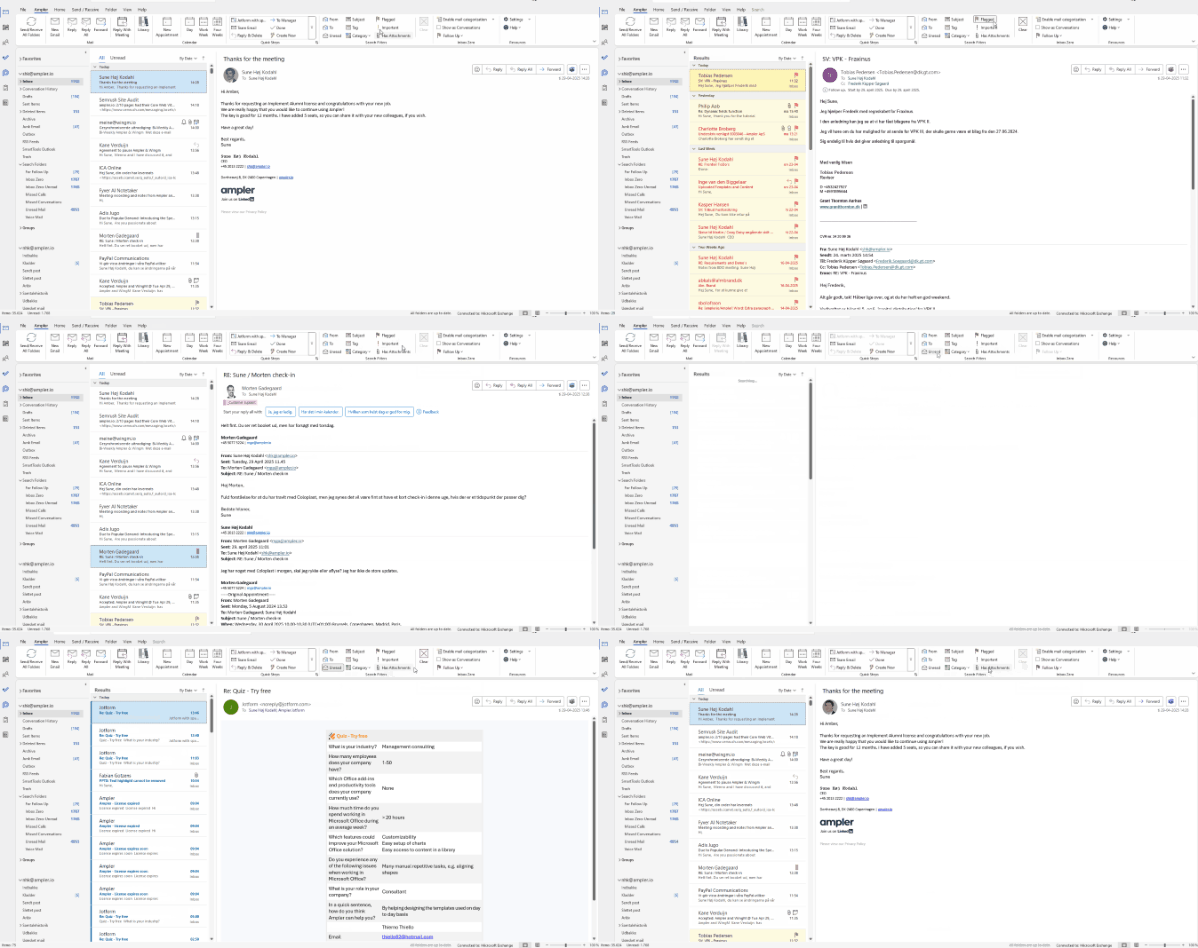
Achieving a good overview of your mailbox or locating that specific mail from an old project can be a daunting task. Simplify your mailbox with automatic mail categorisation to achieve inbox zero, apply lots of search filters directly in your toolbar to easily find mails, and declutter your Outlook experience.

Preferred workflows differ as much as people, and especially e-mail communication and the management of mailboxes vary widely between companies and individuals. Therefore, Ampler lets you pick and choose between functions such as signature management, library, and productivity tools to set up the perfect toolbar for you and your company.